WhatsApp Business API in Nepal: 2026 Guide
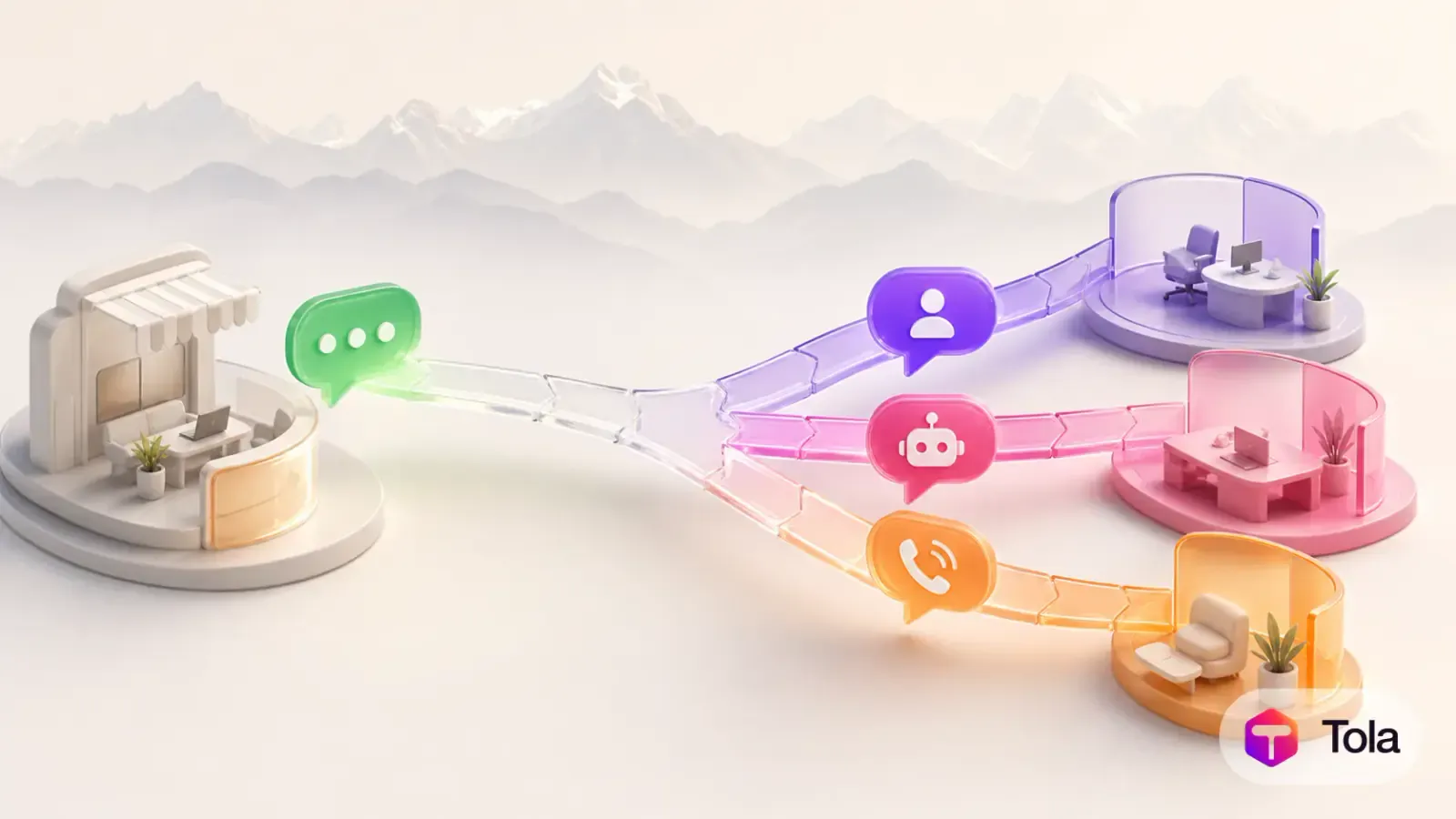
WhatsApp Business API in Nepal is useful when a company has outgrown one person answering messages from a phone. Meta calls the product family the WhatsApp Business Platform, while Cloud API is its official cloud-hosted interface. A customer-service platform can connect that interface to a shared inbox so sales and support teams can assign conversations, use approved automation and keep context across WhatsApp, calls, email and tickets.
The goal is not simply to “add WhatsApp.” A dependable rollout defines how customers grant permission, which messages may be sent, when a template is required, who owns each conversation and how automation hands work to a person. This guide focuses on those operating decisions for teams in Nepal.
What WhatsApp Business API in Nepal means
The phrase “WhatsApp Business API” is widely used, but Meta’s current documentation describes the WhatsApp Business Platform and its Cloud API. The API carries messages and status events between WhatsApp and business software. The inbox, routing rules, customer record, analytics and agent interface come from the system connected to it.
Business App versus Business Platform
The WhatsApp Business App is a practical starting point for an owner or very small team working directly from phones and linked devices. The platform is the better fit when the company needs several agents, defined ownership, automation, integrations or central reporting. Moving to the platform is an operating-model decision, not just a software upgrade.
What the Cloud API does
Meta hosts Cloud API and exposes endpoints for sending messages plus webhooks for incoming messages and delivery events. According to Meta’s Cloud API overview, a business setup involves a Meta business portfolio, a WhatsApp Business Account and a business phone number. Requirements and terminology can change, so use the current documentation during onboarding.
What a customer-service workspace adds
An API connection alone is not a complete service desk. Teams still need assignment, collision prevention, internal notes, history, permissions and escalation. Tola’s shared inbox is designed to place supported WhatsApp conversations beside other customer channels so a conversation has an owner and business context.
Build a compliant WhatsApp messaging workflow
Start with customer expectations. A person who asked for an order update has a different expectation from someone who has never interacted with the business. Record how the customer chose WhatsApp, what kind of communication they requested and how they can change that choice.
State the business name and the reason for collecting the WhatsApp number.
Keep evidence of permission in a system the team can retrieve.
Use approved message templates when Meta’s current rules require them.
Separate service updates from marketing so customers can make an informed choice.
Provide a clear route to a human and respect opt-out requests promptly.
Restrict account credentials and message exports to authorized staff.
Templates are controlled messages
A template is a pre-approved message format used for eligible business-initiated communication. Categories, review standards and commercial treatment are controlled by Meta and may change. Build the workflow so copy can be reviewed and updated without rewriting the whole integration. Meta’s message-template documentation should be the source of truth during implementation.
Keep policy and price checks in the launch checklist
Do not hard-code an old conversation window, template category or fee into a permanent internal policy. Before launch and during periodic reviews, verify the current WhatsApp Business Messaging Policy, template status and pricing for Nepal. A software subscription and Meta messaging charges are separate cost lines and should be shown separately in the buying decision.
Plan automation, AI and human handoff
Automation works best on narrow, testable tasks: collecting an order number, identifying a topic, sending a known status or routing a request. AI can draft or deliver answers from approved business knowledge, but it should not invent policy, price, availability or account information. Sensitive, uncertain and high-value conversations need an explicit human path.
Map the top intents. Review real questions and choose one repeatable use case.
Define trusted sources. Specify which help articles, product records or account systems may supply an answer.
Set confidence boundaries. List the conditions that must trigger a person instead of another automated reply.
Assign an owner. Route the conversation to a queue or individual with response expectations.
Review outcomes. Inspect unanswered questions, handoffs, customer feedback and template failures before expanding.
Use AI as part of customer service, not as the product itself
Meta’s platform terms distinguish business messaging use cases from distributing a general-purpose AI assistant. A Tola deployment should remain focused on the company’s own customer service, sales and operational conversations. The Tola AI Agent can work from approved business context and hand a conversation to a person, subject to the configured account and current platform policies.
Treat WhatsApp Calling as a separate capability
Messaging access does not automatically prove that calling is available for every account or workflow. If WhatsApp Calling matters, confirm eligibility, country support, number setup, customer permission, call routing and recording policy separately. Tola supports WhatsApp Calling for eligible configured accounts, but the implementation plan should document the exact availability instead of assuming it from chat access.
Roll out WhatsApp customer support in stages
A staged launch protects customers and gives the team time to learn. Begin with one number, one business unit and a small set of intents. Use a demo or controlled audience until templates, webhooks, assignment and handoff have been tested end to end.
Document the current phone number, Meta business ownership and people who control access.
Choose the first workflow and define its customer permission language.
Configure the WhatsApp Business Account, number and approved software connection.
Create queues, roles, templates, working hours and escalation rules.
Test inbound messages, business-initiated templates, media, status events and human takeover.
Train agents on tone, privacy, internal notes and what automation can or cannot do.
Launch to a controlled audience, review conversations and expand only after issues are fixed.
For a team handling more than one channel, design the customer record at the same time. A WhatsApp conversation may turn into a phone call or ticket. Tola’s AI help desk can keep follow-up work connected to the conversation rather than leaving it in a separate spreadsheet.
How we verified this guide
We checked Meta’s official Cloud API overview and message-template documentation for the platform terminology, setup components and template workflow described above. We intentionally avoided quoting a fixed price, message limit or policy window because Meta can change commercial and policy details. Teams should confirm the live documentation, account eligibility and Nepal pricing at the time of implementation.
The best first project is a customer-requested workflow with a clear owner: for example, answering delivery questions or routing admissions enquiries. Write the permission language, test the complete handoff and train the people who will receive escalations. If you want to connect WhatsApp, WhatsApp Calling and other support channels in one workspace, contact Tola for a workflow review. Bring one real conversation journey, and the team can map what should be automated and what should remain human.
Frequently Asked Questions
- What is the WhatsApp Business API in Nepal?
- It is the common name for using Meta’s WhatsApp Business Platform programmatically. A Nepali business can connect a business number through the official platform and use approved software for team messaging, automation and integrations.
- Is the WhatsApp Business App the same as the API?
- No. The app is designed for direct use on phones and linked devices. The platform and Cloud API are intended for integration with business systems, multiple agents, automation and higher-scale operational workflows.
- Can a business message any phone number through WhatsApp?
- A business should collect appropriate customer permission and follow Meta’s current messaging rules. Business-initiated communication may require an approved template. Policies and commercial terms can change, so verify them before launch.
- Can AI answer WhatsApp customers automatically?
- AI can assist with approved customer-service use cases, but the workflow should use trusted knowledge, disclose limitations where appropriate and hand uncertain or sensitive conversations to a person. It must also comply with Meta’s current platform terms.
- Does Tola provide WhatsApp Calling?
- Tola supports WhatsApp conversations and WhatsApp Calling for eligible, configured accounts. Availability depends on Meta account eligibility, current platform support and the Tola setup for that business.
Customer Experience Research
The Tola team writes practical guides for Nepali businesses managing customer conversations across calls, WhatsApp, SMS, email and tickets.